
No Show Charge: A Guide to Protecting Your Business

In short
A no-show charge is a fee a business collects when a client misses an appointment without notice. To set one fairly, choose a notice window, such as 24 or 48 hours, price late cancellations and no-shows separately, as a flat fee or a share of the service price, and have every client agree to the policy before booking.
- Set the fee between the unrecoverable cost of the empty slot and the full service price, then round it to a clear number.
- Give existing clients at least 30 days' notice of a new policy, with an email and a text to those who agreed to receive texts.
- Waive fees by a written rule, such as the first late cancellation in a year, and note every waiver in the client's record.
In this article8 sections

This guide covers the no-show charge from the business side: how to price it and a late cancellation fee from your own costs, how to word the policy, how to announce it to clients and when to waive it.
Twizzlo, which publishes this guide, offers a free appointment scheduling app and a paid Business Pro plan; how it handles prepaid bookings and no-show fees sits in one labeled section before the FAQ, and every step here works in any booking tool.
What a Missed Appointment Really Costs
A missed appointment costs the service price you did not collect, the staff time you still pay for and any prep or product set aside for it, which is why a no-show charge is sized against those costs rather than set as a penalty.
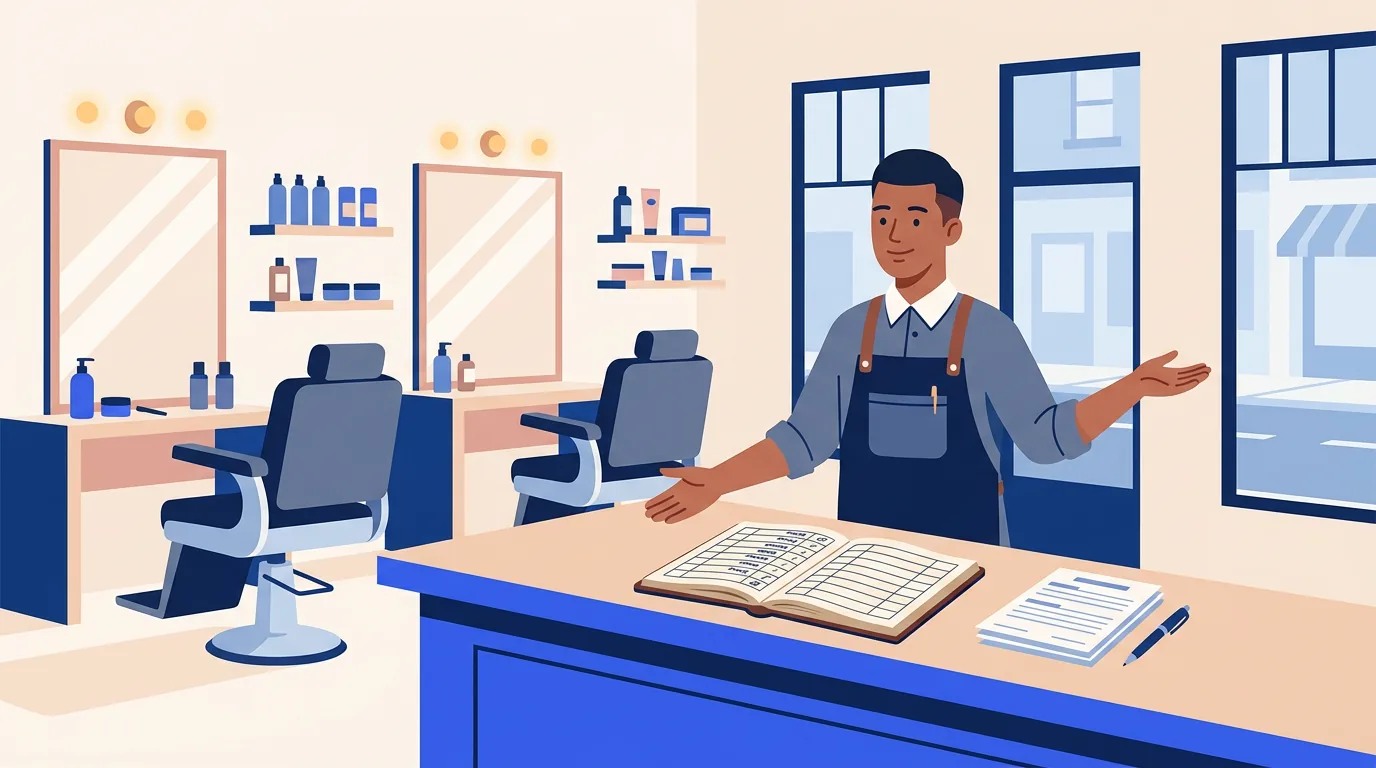
For any business that runs on appointments, from hair studios and spas to pet groomers, an empty slot carries costs that are easy to miss.
Wasted Staff Time and Idle Resources
When an appointment is missed, staff wait for a client who never arrives, and you still pay their wages.
For example, a massage therapist might spend 15 minutes preparing a room with fresh linens and oils for a one-hour session. If that client never shows, you lose the service price and pay for 15 minutes of prep. The same happens in a hair studio or a pet grooming shop, where tools and products are laid out for each appointment and put away unused. A groomer who holds a two-hour slot for a full groom can ask for payment up front instead; pet grooming scheduling software with prepaid bookings takes that payment when the client books, and our list of the best pet grooming software compares the options.
Worked Example: What Empty Slots Add Up To
Worked example: a salon books 20 appointments a day at $50 each. If three are missed, it loses $150 that day; over 240 working days, that is $36,000 a year.
To run your own version, multiply your average service price by the appointments you lose on a typical day, then by your working days in a year.
Schedule Disruption and Lost Opportunities
An empty chair also costs the booking you turned away: the slot could have gone to a regular or a new client who wanted that time. A mobile detailer who drives to a no-show loses the travel time as well, which is why auto detailing booking software can add buffer time between jobs.
A no-show charge is not about punishing anyone. It asks clients to respect the time that you, your team and your other clients have set aside, and a clear policy makes the day more predictable.
For salons, our guide on how to reduce no-shows in a salon covers the steps that prevent missed appointments before any fee applies.
How to Craft a Fair and Effective No Show Charge Policy
A fair no-show charge policy answers four questions before anyone books: what counts as a late cancellation or a no-show, how much notice you need, what each one costs, and when you will waive the fee.
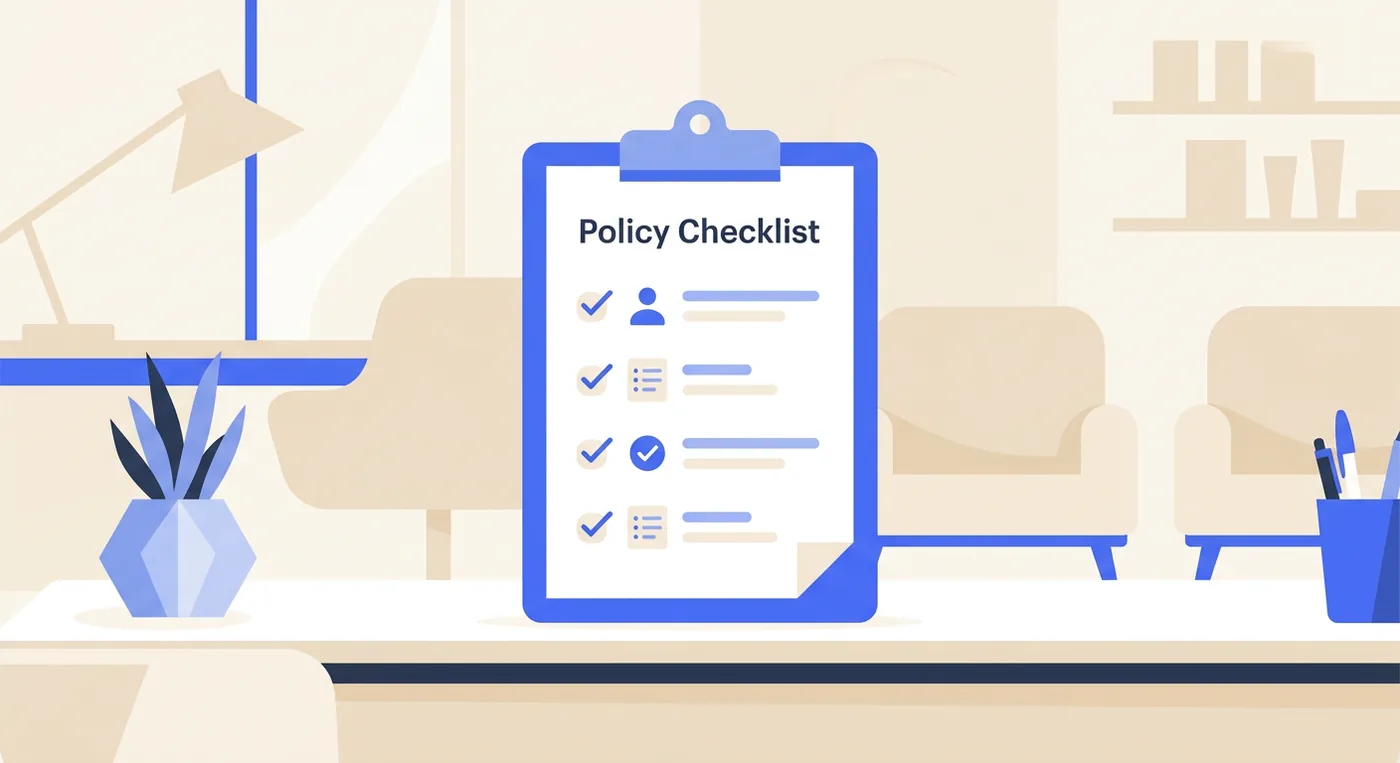
Write it in plain words, so every client and every member of your team knows what to expect from the moment an appointment is made.
Defining Your Terms
A late cancellation and a no-show are different events, and your policy should treat them differently.
-
Late Cancellation: The client cancels after your cutoff time but still gets in touch before the appointment. For example, they call two hours ahead when you require 24 hours’ notice.
-
No-Show: The client does not arrive for the appointment and makes no contact.
A no-show is usually more disruptive than a late cancellation, because it leaves no notice at all to refill the slot, so a policy can set a higher fee for it.
Setting a Realistic Time Window
Next, decide how much advance notice you need. Choose the window from how long it takes you to refill a slot; 24 hours and 48 hours are the two settings this guide uses as examples.
A 24-hour window suits businesses like hair salons, nail studios or barbershops. It leaves time to offer the slot to another client without being too rigid for clients whose plans change late. A personal trainer selling one-to-one sessions fits the same rule, and personal trainer scheduling software that lets clients reschedule from the booking link gives them a way to move a session before the window closes.
A 48-hour window suits longer, higher-value appointments, such as a full-day spa package, a long tattoo session or a four-hour color correction. The extra day gives you a more realistic chance to rebook a multi-hour slot.
Whatever you decide, apply it the same way every time. Consistency is what makes a no-show charge policy fair to every client.
Deciding on the Right Fee Structure
Aim for a number that respects your time without feeling like a penalty. A fee sized to your real costs, staff time and overhead, is easier to explain than one that recovers the full price.
There are two main ways to set it:
The first is a flat fee: a fixed amount, for example $25 or $50, charged whatever the service. It is predictable and easy to explain, and it works best where service prices are similar, like a barbershop or a nail studio. A dog trainer who sells private sessions at one set price fits this model too, and dog trainer booking software with prepaid bookings can take the session price when the client books.
The second is a percentage of the service price, for example 50% of the booked service. It suits businesses with a wide range of prices, like a day spa where a 30-minute express facial and a three-hour body treatment differ widely in value. The fee scales with the booking, so it stays in proportion to the revenue you lose.
For long sessions such as tattoos, a deposit taken at booking is the alternative; our guide to tattoo deposits explains how artists set one.
Worked Example: Pricing the Fee From Your Own Costs
Price the fee between two numbers: the cost of the slot you cannot recover, and the full service price.
| Step | Worked Example |
|---|---|
| Floor: staff pay for the booked time | 90 minutes at $20 an hour = $30 |
| Floor: product prepared and not reusable | $10 of mixed color |
| Floor total | $40 |
| Ceiling: the service price | $120 |
| Late cancellation fee | The floor, $40 |
| No-show fee | 50% of the price, $60, or the full $120 for a long slot you cannot refill |
Example figures, not benchmarks; use your own pay rates, product costs and prices. The floor covers what the empty slot cost you, and anything above it makes up for the lost booking, up to the price the client agreed to pay.
Sample No Show and Cancellation Policy Clauses
Here is sample wording you can adapt, set out by fee model: a percentage of the service price or a flat fee.
| Clause Type | Percentage Model (Salons and Spas) | Flat-Fee Model (Studios and Trainers) |
|---|---|---|
| Cancellation Window | We require a minimum of 24 hours’ notice to cancel or reschedule an appointment. This allows us time to offer the spot to another client. | To give every client our full attention, we require 48 hours’ notice for any cancellations or rescheduling of appointments. |
| Late Cancellation Fee | Cancellations made with less than 24 hours’ notice will be subject to a fee of 50% of the scheduled service cost. | Cancellations within the 48-hour window will incur a $75 late cancellation fee. |
| No-Show Fee | If you do not show up for your appointment and do not contact us, you will be charged 100% of the scheduled service cost. | Failure to arrive for a scheduled appointment without any prior notification will result in a $150 no-show fee. |
| Waiver for First-Time | We understand life happens! Your first last-minute cancellation is on us. Subsequent occurrences will be charged according to our policy. | We offer a one-time courtesy waiver for your first missed appointment. All future no-shows will be charged the full fee. |
Example wording and amounts, not legal advice or benchmarks. Set your own figures and have the final policy reviewed for your location.
Mix and match the clauses to build a policy that fits your business.
Communicating Your New Policy to Clients
Clients should meet the policy before they book, again in every confirmation and reminder, and once more at the front desk, so a fee never comes as a surprise.
Placing Your Policy Where It Can’t Be Missed
Make sure your policy is clearly visible in these key areas:
- Your Online Booking Page: State the policy right before a client confirms. A checkbox that says, “I have read and agree to the cancellation and no-show policy,” records that the client saw it.
- Confirmation & Reminder Messages: A line in your appointment emails and texts repeats it, for example: “Just a reminder: we require 24 hours’ notice for any changes to avoid a fee.”
- In-Store Signage: For clients who book in person, a small sign at your front desk is a polite physical reminder.
- A Heads-Up Announcement: Before the policy starts, send existing clients a one-time email, and a text to those who agreed to receive texts, so they have fair warning.
Templates for Your Big Announcement
How you frame the news to existing clients matters. Present the policy as a way to protect your schedule and keep appointments available for everyone, not as a penalty.
Here are two templates you can adapt to your own voice.
Email Template for Existing Clients
Subject: A Quick Update to Our Appointment Policy
Hi [Client Name],
To make sure we can offer the best service and availability to all our clients, we’re introducing a new cancellation policy starting [Date].
We will now ask for 24 hours’ notice for any cancellations or rescheduling. Any cancellations made within that 24-hour window, or missed appointments, will be subject to a [Fee Amount or Percentage] fee.
This small change helps us manage our schedule more effectively and respect our team’s time. We truly appreciate your understanding!
All the best,
The [Your Business Name] Team
SMS Template for Existing Clients
Send it only to clients who agreed to receive texts from you; texting rules vary by country and state, so check the ones that apply to you.
Hi [Client Name]! A quick heads-up from [Your Business Name]. Starting [Date], we’ll need 24-hour notice for cancellations to avoid a fee. This helps us serve everyone better. Thanks for understanding!
Getting Your Team Ready for Questions
Your front desk team needs a short script so they can explain the policy calmly and consistently.
If you hold a card on file, a front-desk answer can sound like this:
“Of course! Just so you know, we do require a card on file to hold your appointment. We have a 24-hour cancellation policy, so as long as you need to make a change outside of that window, you’ll never be charged. It just helps us protect our service providers’ time and keep appointments available for others.”
This answer presents the policy as standard practice that respects everyone’s time, not as a threat. For confirmation wording, see our guide to the appointment confirmation text.
How Booking Software Helps You Apply the Policy
Booking software can show the policy at checkout, record that the client accepted it, repeat it in reminders and take payment in advance, which leaves staff deciding on fees case by case instead of chasing them.
Two ways to secure a booking are a card on file, charged only as the policy states, and a prepaid booking, where the client pays when booking. It is the same idea as holding a hotel room or a dinner reservation.
Framing it as “holding your spot” instead of “securing a payment” sets a professional tone from the start. If you hold cards, a signed credit card on file authorization form template records the client’s permission.
Put the Policy in Every Reminder
Once the booking is secured, repeat the policy in your appointment reminders. It keeps the policy in mind without any pressure.
For instance, a reminder sent the day before could read:
“Hi [Client Name], a reminder about your appointment at [Your Business] tomorrow at [Time]. Cancellations within 24 hours are subject to a fee.”
This message does three things at once:
- It helps the client remember the appointment.
- It repeats your policy without an awkward conversation.
- It leaves a record that you communicated the terms.
For businesses with long, high-value appointments, like tattoo studios, reminders protect large blocks of time that are hard to fill at the last minute. Photographers holding a half-day shoot are in the same position, and photographer booking software with automated reminders sends one before the shoot. Reminder timing and tools are compared in our guide to appointment reminders software.
Processing the Charge Without the Confrontation
When a client misses, staff mark the booking as a no-show, then apply the fee the policy states from the card on file or the prepayment, or waive it under your rule. A consistent rule keeps the decision from depending on who is at the desk.
If you are still choosing a tool, our list of the best appointment scheduling software compares the options. With the policy shown, accepted and repeated before the appointment, staff can spend their time on the clients who keep their bookings.
Knowing When to Bend the Rules and Build Loyalty
Waive the fee when doing so keeps a reliable client, and write every waiver down so exceptions stay consistent.
The policy is there to stop repeat no-shows and protect your time, not to penalize a reliable client with a one-off emergency.
When Waiving the Fee Is a Smart Move
Decisions are easier when you and your team agree in advance on what warrants an exception. Consider waiving the fee in situations like these:
- Your Loyal Regular: A client with years of perfect attendance misses once. Waiving the fee is a small investment in a long relationship.
- A Genuine Emergency: A sick child, a car accident or a family crisis. Compassion costs you one fee and can keep the client.
- The Honest First-Time Mistake: A new client mixed up the time or date. A one-time waiver sets a good tone for the relationship.
| Situation | Example Decision |
|---|---|
| First late cancellation in 12 months from a reliable client | Waive it and note it |
| A genuine emergency | Waive it once and note it |
| Second late cancellation in 12 months | Charge the late cancellation fee |
| A no-show after an earlier waiver | Charge the no-show fee, or ask for payment at booking next time |
An example rule; write your own and apply it the same way for every client.
Use Client History to Guide Your Judgment
You do not need to remember every client’s history. Use the notes in your client management software instead of memory.
Every time you waive a fee, write it down, for example: “Waived no-show fee: family emergency, first waiver.” If the client cancels late again, their history gives you the context. When a client with a pattern of late changes asks for another pass, your notes support a polite, firm answer.
How to Communicate Your Decision
How you communicate a waiver matters. The client should feel understood and valued, not lucky.
For a loyal client who apologizes for missing their spot:
“Don’t worry about it at all, [Client Name]! We know things come up. You’ve been such a wonderful client for years, so of course, we’re happy to waive the fee this time. We’ll see you at your next visit!”
This response acknowledges their loyalty and shows you appreciate them. For more on the tone of these messages, see our guide to client communication best practices.
Where Twizzlo Fits in a No-Show Policy
Twizzlo is web-based online booking and appointment scheduling software for appointment-based service businesses, and three parts of the policy above map to settings in it: prepaid bookings, no-show fees and automated reminders.
A prepaid booking in Twizzlo takes the full service price when the client books. If the client misses the appointment, you decide whether to keep or refund that payment, and no-show fees are supported and applied at your discretion.
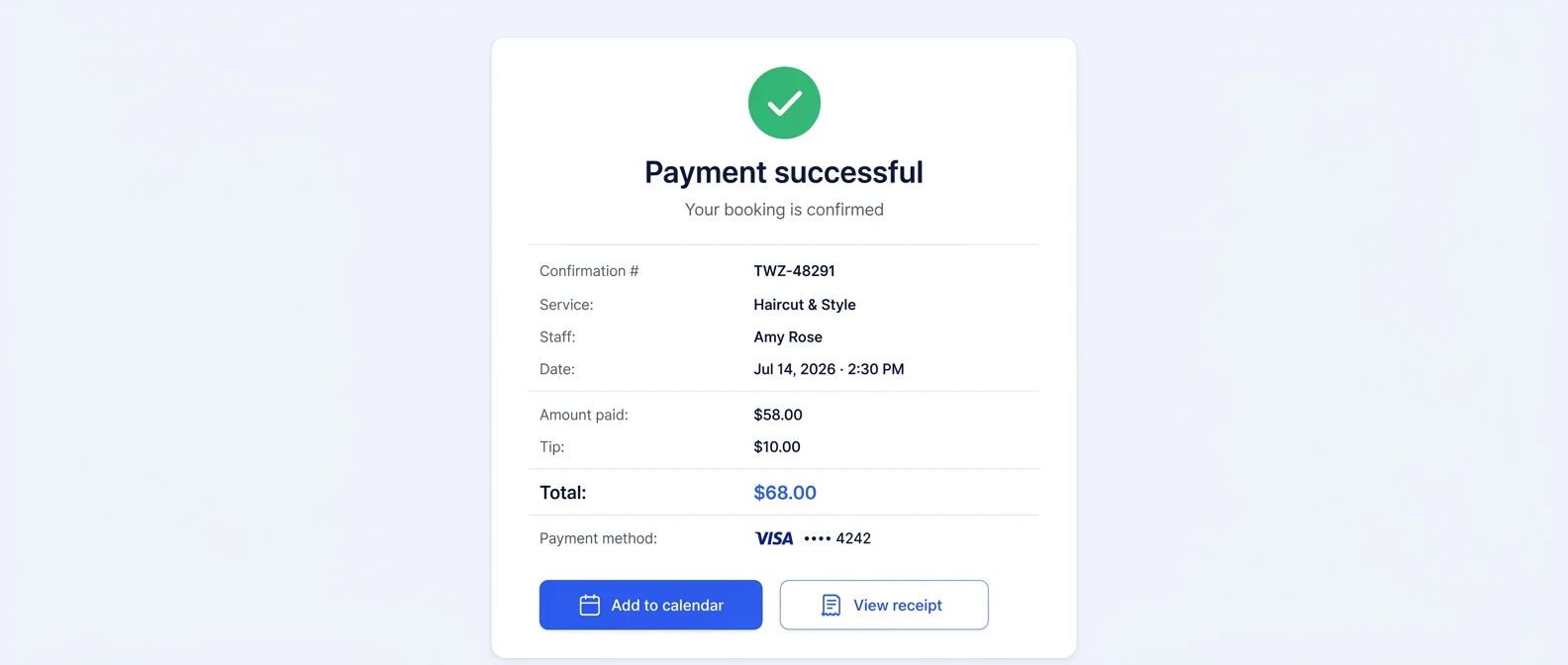
Email confirmations and reminders are included on both plans. Text messages (SMS) are on Business Pro only: 50 SMS a month are included, then $0.03 each. Free has no SMS. Both plans also include cancellation handling, client self-rescheduling, buffer times, custom booking rules and client records.
Twizzlo has two plans. Free is $0 a month for up to 150 bookings, with no SMS. Business Pro is $29.99 a month per business with unlimited bookings, 50 SMS a month and then $0.03 each, and a 30-day money-back guarantee. Both plans include unlimited staff and locations, and support is available 24/7.
Online payments carry your Stripe processing rate plus a 1.5% Twizzlo platform fee.
Common Questions About No-Show Policies
Short answers to the questions that come up once a policy is in place.
How much should I charge for a no-show fee?
There’s no one-size-fits-all answer, but the two simple models are a flat fee and a percentage of the service price.
A flat fee, for example $25 or $50, suits a barbershop or a nail studio, where service prices are fairly consistent, and it is easy for everyone to understand.
A percentage suits a salon or spa where one booking might be a simple trim and the next a full day of treatments, because the fee stays proportional to the revenue you lost, for example 50% of the booked service’s price.
Check what similar businesses near you charge, and size the fee from your own costs, as in the worked example above.
Is it legal to charge a no-show fee?
It depends on where you operate and on what the client agreed to, and this guide is not legal advice. In practice, show the policy before the client books, keep a record that they accepted it, repeat it in confirmations and reminders, and charge only what it states. Have a local lawyer or business adviser review the wording before you rely on it.
Will requiring a credit card scare away new clients?
It’s a valid concern. A lot depends on how you ask.
Never say, “We need a card in case you don’t show up.” It sounds accusatory.
Instead, frame it as a simple reservation step. Try something like, “We require a card on file to reserve your appointment time, just like a hotel reservation.” This phrasing is professional, familiar and non-confrontational. Keep card details with your payment processor, never in client notes or a spreadsheet. You might lose a few people who were never serious about booking.
What is the best way to introduce the policy to long-time clients?
Rolling out a new no-show charge for your regulars requires some finesse. You want them to understand the “why” behind the change without feeling like they’re being targeted. It’s all about transparency and showing them the shared benefit.
Here’s a simple game plan for a smooth transition:
- Send out a dedicated announcement. Draft a friendly, personal email explaining the new policy. Frame it as a necessary step to protect appointment availability for everyone and to make sure your team is paid for their reserved time.
- Give them a heads-up. Don’t just flip a switch overnight. Announce the policy at least 30 days before it officially starts.
- Add a personal touch. For your most loyal clients, a quick, personal mention during their next visit goes a long way. Reassure them that you know life happens and that you’ll always be reasonable when true emergencies come up.
This approach shows you value their business and helps them see the policy as a positive step for the health of your business, which ultimately benefits them, too.
What happens if a client refuses to pay a no-show fee?
If you hold a card on file or a prepayment and the client agreed to your policy at booking, you apply the fee from that card or prepayment as the policy states. If a charge is disputed, your booking-consent checkbox and reminder messages are your paper trail. For repeat offenders who fight every fee, the cleaner fix is requiring prepayment before they can book again, or parting ways politely.
Can I charge a no-show fee for a genuine emergency?
You can, but you usually shouldn’t. A one-off emergency from an otherwise reliable client is exactly when a waiver builds loyalty. The key is consistency: note the waiver in the client’s record so a genuine exception doesn’t quietly become a pattern, and enforce the policy when the same client misses again.
Is a deposit better than a no-show charge?
They solve the same problem at different moments. A deposit collects money up front and applies it to the service, which suits long, high-value bookings, as with tattoo deposits and similar work. A no-show charge only applies when the client actually misses. Some businesses use both: deposits for big bookings and a no-show fee for everything else.
What should a no-show policy include?
A no-show policy should define a late cancellation and a no-show, state the notice window, give the fee for each and how it is collected, say when a fee may be waived, and list where clients agree to it, such as the booking page. Add the date the policy starts and review the wording for your location.
Sources and methodology
- Twizzlo pricing page (opens in a new tab)Read . Supports: Twizzlo plans, booking cap, SMS allowance, guarantee, support and the online payment fee
- Twizzlo features page (opens in a new tab)Read . Supports: Twizzlo prepaid bookings, no-show fees, automated confirmations and reminders, cancellation handling and client records named in the Where Twizzlo Fits section
From our editorial policy
- Twizzlo sells online booking and appointment scheduling software, the same category we write about. Twizzlo appears in our comparisons and roundups, and we have a commercial interest in you choosing it.
- We do not publish invented quotes, studies, statistics, customer stories or product tests, and we do not imply hands-on use of a product when the research came from the vendor's public documentation.
- To report an error, email support@twizzlo.com with the subject line "Correction: [page URL]". Tell us what is wrong and, if you can, link a source.
Update history
- : Added a fee-pricing worked example, an example waiver rule and a policy checklist FAQ, relabeled the sample clauses by fee model, corrected Twizzlo's plan details and removed legal and automatic-charging claims.
Start free, upgrade when you grow
Flat-rate booking software. No per-seat, per-chair or per-location fees.
- Free plan up to 150 bookings a month, not a trial
- Business Pro is $29.99 a month per business for unlimited bookings, with a 30-day money-back guarantee
- 24/7 support by email