
Business Cards QR Codes: Drive 2026 Salon Bookings

In short
A QR code on a business card should open the one page you want the person to use next, usually your online booking page, not your homepage. Choose a dynamic code if that link may change, print it at least 0.8 inches (2 cm) square with a clear margin, and test a printed proof on several phones.
- Print a plain action label such as “Scan to book” beside the code, so people know what opens before they scan.
- A dynamic code keeps the printed pattern while you change the link, but it works only while the provider keeps the code active.
- Judge cards by bookings, not scans: count cards handed out, scans, bookings and first visits for each event or location.
Source: Pageloot, QR code size guide (opens in a new tab), read
In this article9 sections
A card that only carries contact details asks the other person to type, search and remember; a QR code lets them book while the conversation is still fresh.
Twizzlo publishes this guide and makes online booking software, which gives businesses the kind of booking page a card’s QR code often opens. You can see every scheduling feature on one page.
What does a QR code on a business card do?
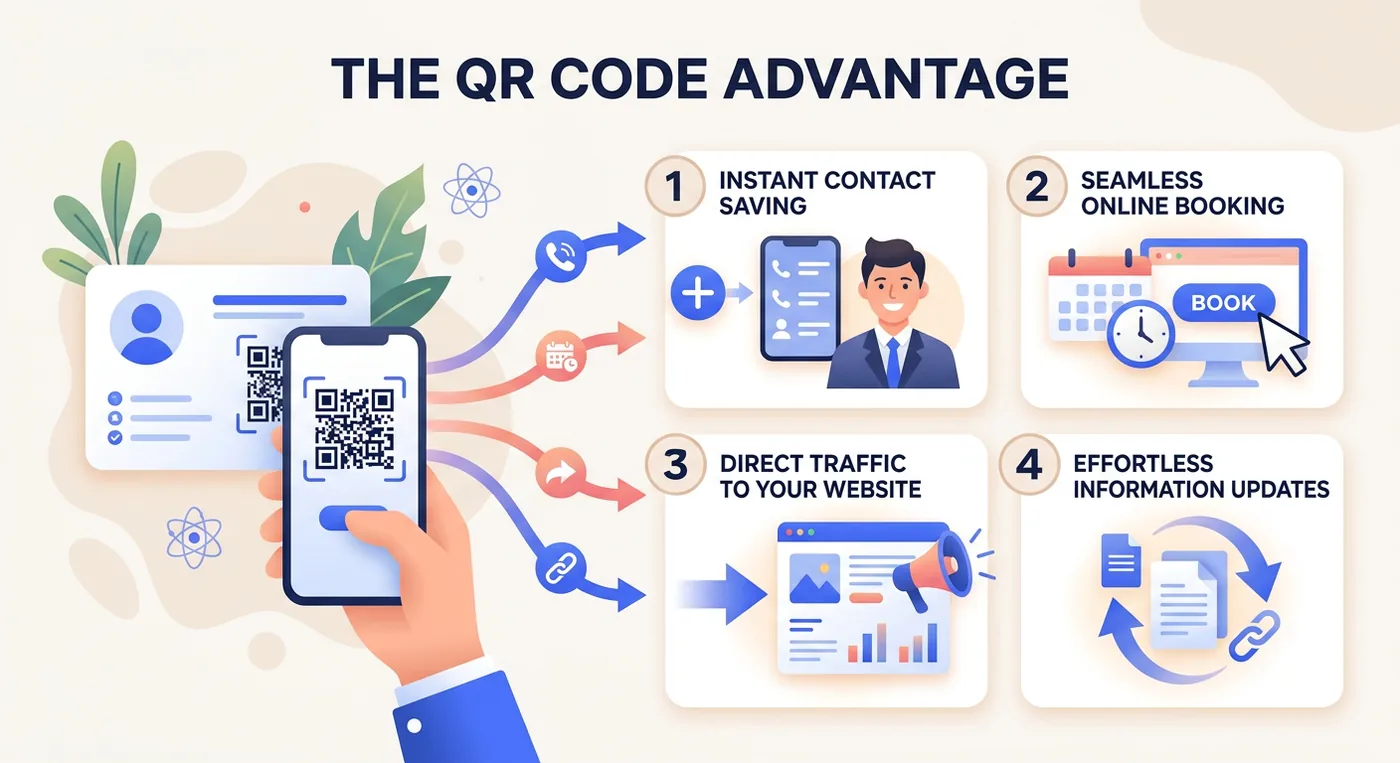
A QR code on a business card turns the card into a next step: one scan opens a booking page, a saved contact or a service page, so the person can act before the card ends up in a drawer.
That matters because the code does more than share contact details. It connects an in-person conversation to a digital action, and for an appointment business that action is usually booking a consultation, viewing services or saving a contact card.
The old problem with paper cards
A card without a code has three common problems:
- Cards get discarded: If the card doesn’t create an immediate action, it often gets forgotten.
- Contact data gets lost: Names, numbers and emails are easy to mistype.
- No tracking exists: You can’t tell which event, referral partner or staff member generated interest.
Why service businesses benefit faster
A restaurant might use a card for awareness. A salon owner, esthetician or spa usually needs something more direct: a person who schedules, asks a question or at least enters your system cleanly. Cards are one offline channel; our guide to marketing for beauty salon owners covers the rest.
Static or dynamic QR code: which should a business card use?
Use a dynamic QR code on a business card if the link might change or you want scan counts, and a static code only for a link that will never change. Both look the same in print; the difference is where the link lives.
A static QR code is like a sign nailed to a wall: the link is stored in the pattern, so it points to one destination forever. A dynamic QR code keeps the same printed pattern, but you can change where it sends people later.
| Compared on | Static QR code | Dynamic QR code |
|---|---|---|
| Best for | Very simple, fixed information | Businesses that want flexibility and measurement |
| Main limitation | Can’t change the destination after printing | Usually requires a platform or service |
| Main advantage | Usually simpler to set up | Editable destination and scan counts |
| If the service behind it stops | Keeps working; the link is in the pattern | Stops redirecting if the provider deactivates the code; check the terms before you print |
If you link a static code to one booking page and later change providers, update staff, launch a seasonal offer or add a second location, the card can go out of date. Then you are either stuck with the wrong destination or paying to reprint cards that still look fine.
Why dynamic usually wins for appointment businesses
Brandly’s guide to QR codes on business cards lists the ability to change the code and trackable features among the advantages of dynamic codes, and notes that they save the cost of reprinting cards. Without scan counts, you only know that you handed cards out, not what happened next.
When static still makes sense
It can work if:
- Your destination won’t change: For example, a stable website page with evergreen contact details.
- You don’t need reporting: You’re using the QR code as a convenience feature.
- You’re testing the concept first: Some owners start simple, then switch once they see people scan.
Even then, appointment businesses change offers, staff pages and links often, so a link that looks permanent today may not stay that way.
How do you create a QR code that books appointments?
Making a QR code that books appointments takes six steps: choose the destination, check it on a phone, generate the code, label it, test a printed proof and connect the bookings to your records.
What do you want the person to do right after they scan?
If the answer is “book an appointment,” don’t send them to your homepage. Send them to a booking page. If the answer is “save my details,” use a contact-focused destination. If the answer is “see examples of my work,” send them to a mobile-friendly portfolio or service page.
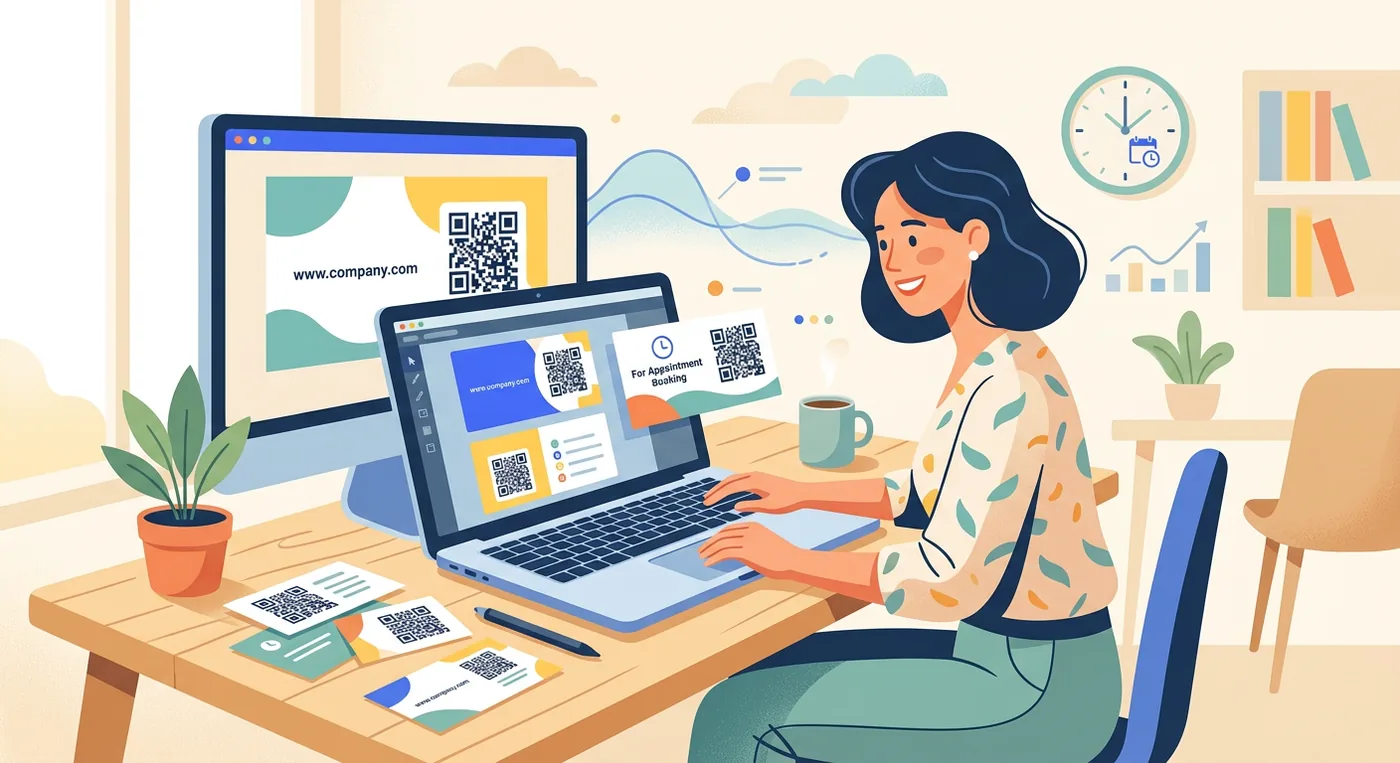
Step 1: Choose the destination before you make the code
The destination decides whether a scan turns into a booking. Good destination options include:
- A booking page: Best for salons, spas, barbershops, trainers and consultants who want immediate appointments.
- A contact card or digital profile: Best when saving contact details is the priority.
- A service-specific landing page: Useful if you offer one signature service and want to frame the conversation around it.
- A pre-filled inquiry form: Helpful for higher-ticket services where people need to ask questions before booking.
The best destination also depends on where the card is handed out:
| Situation | Point the code at | Label beside it |
|---|---|---|
| Salon owner at a bridal expo | The booking page for a bridal trial | “Scan to book a bridal trial” |
| Barber handing a card to a new client at checkout | The booking page | “Scan to book your next cut” |
| Massage therapist meeting local business owners | A page about on-site chair massage with a way to book or ask | “Scan for chair massage options” |
| Personal trainer at a community event | The booking page for an intro session | “Scan to book an intro session” |
| Business with two or more locations | Each location’s own booking link, one code per location | “Scan to book at [location name]” |
| After a finished visit | Your Google review page | “Scan to leave a review” |
A card handed over after a visit can also open your Google review page; our guide to getting Google reviews covers when and how to ask.
Step 2: Check the page on a phone first
People scan business cards on their phones, so open the destination on a phone before you make the code. It should load fast, read without zooming and show one clear next action; a cluttered homepage with many menu items brings back the friction the code was meant to remove.
Our guide on how to schedule appointments covers setting up the booking page itself.
Step 3: Generate the code
Use a QR generator that lets you choose between a static and a dynamic code, paste the destination link, and download the code as a vector file (SVG, EPS or PDF) or a high-resolution image for the printer. If the design puts a logo in the middle, set error correction to level H before you download; the print section below explains why.
Step 4: Put a plain label next to the code
A bare QR code leaves people guessing what opens when they scan it. Put a plain label beside it, such as:
- Scan to book
- Scan to save my contact
- Scan to view services
- Scan to claim a consultation
Short beats clever: the label is there to remove hesitation.
Step 5: Test a printed proof, not just the screen
A code that scans on a screen can still fail on a printed card. Test the whole sequence:
- Print one card at final size.
- Scan with multiple phones.
- Confirm the page opens fast.
- Make sure the page is easy to read without zooming.
- Check that the booking or contact action works.
- Submit a test form or test booking if possible.
Step 6: Connect bookings to your records
If the scan lands on a booking page that captures the client’s name, service and appointment time, you get structured client data instead of a stack of cards on the front desk. Our comparison of the best appointment scheduling software covers booking platforms side by side.
What print size and margin does a business card QR code need?
Print a business card QR code at least 0.8 by 0.8 inches (2 by 2 cm) for reliable scanning and never below 0.6 inches (1.5 cm), leave a blank margin four modules wide on every side, and use dark modules on a light background, according to Pageloot’s sizing guide for business cards, updated April 22, 2026.
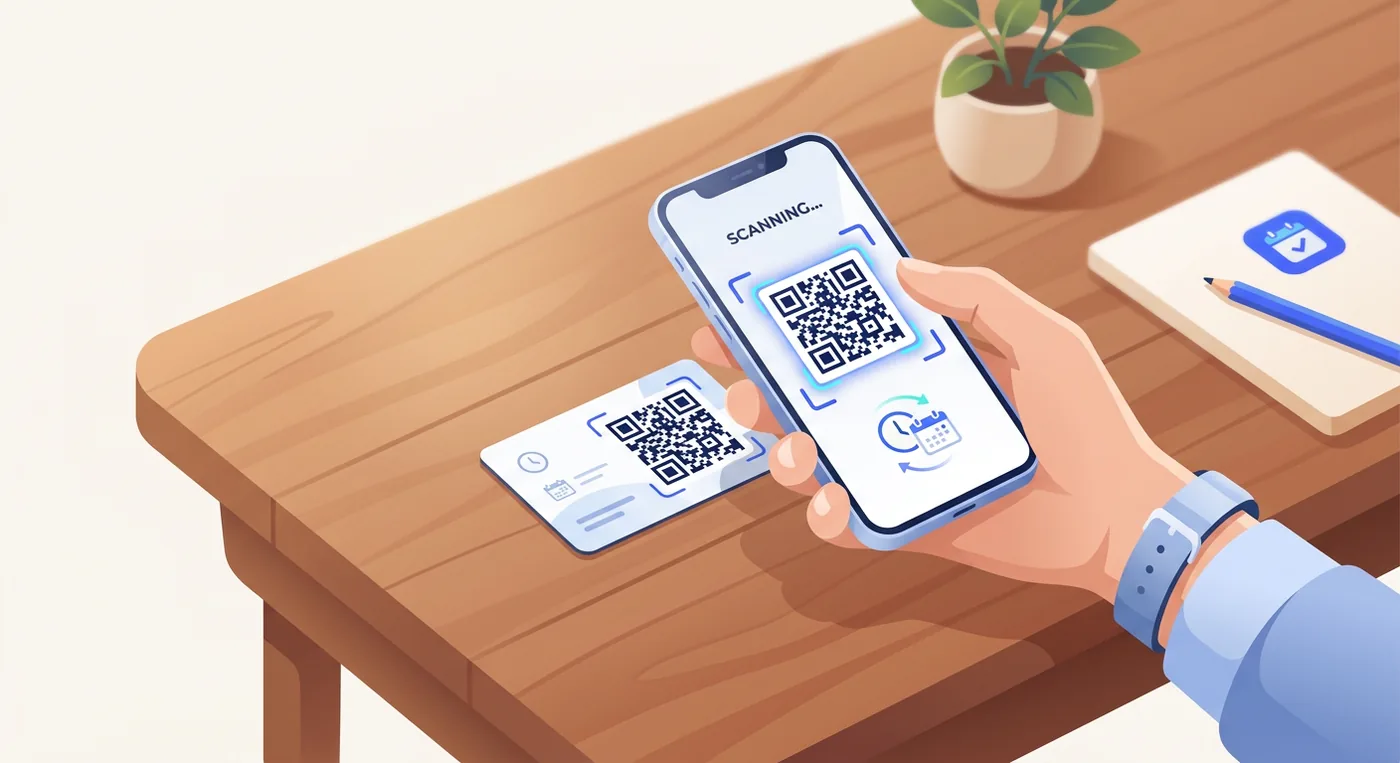
The code has to read quickly on a phone camera in dim event lighting, on a glossy finish and at an awkward angle across a table.
The minimum specs worth respecting
Pageloot’s QR sizing guide for business cards gives 0.8 by 0.8 inches (2 by 2 cm) as the recommended size and 0.6 by 0.6 inches (1.5 by 1.5 cm) as the absolute minimum, which it says works only for a code with very little data and high contrast. It bases the four-module quiet zone on the ISO/IEC 18004 standard, and says a logo over part of the code requires error correction level H (30% recovery) and a larger print size.
Why a short link scans better at card size
A QR code grows from 21 by 21 modules (version 1) to 177 by 177 modules (version 40) as it holds more data, according to DENSO WAVE, the company that developed the QR code. At a fixed print size, more modules mean smaller modules. Pageloot’s guide notes that a full vCard with a name, phone number and address makes a dense code with many tiny modules that a camera may fail to tell apart. A short link, or a dynamic code’s short redirect link, keeps the module count low, so a 0.8-inch code prints coarser and scans more reliably.
Error correction and logos
Error correction lets a phone read a code that is partly covered or damaged, and each step up makes the code denser. DENSO WAVE’s error correction page says level M (15%) is the one most often selected and that raising the level also increases the code’s size. Pageloot gives these recovery levels for business cards:
| Level | Data a phone can still recover | Use on a business card |
|---|---|---|
| L | About 7% | A simple code with no logo or design changes |
| M | About 15% | Most plain business cards |
| Q | About 25% | Cards that get handled and worn |
| H | About 30% | A logo over the center; print the code at least 1 by 1 inch |
A practical print checklist
- Keep it large enough: Treat 0.8 by 0.8 inches as the floor for any code on a business card.
- Protect the quiet zone: Leave white space around the code. Don’t crowd it with text, borders or decorative shapes.
- Use strong contrast: Dark code, light background is the safest option.
- Be careful with logos: A centered logo can work if error correction is set correctly, but don’t overdecorate the code.
- Export clean files: High-resolution print files help preserve edges and module clarity.
Where owners get tripped up
The most common mistake is designing the code as a decorative brand element instead of a utility. Rounded corners, low-contrast colors, textured stock and tiny placement can look polished in a mockup and still make real-world scans harder.
A second issue is putting the code too close to other design elements. The blank border is part of what makes the code readable.
Placement matters too
The back of the card usually gives the code the most space and the least visual competition, which makes it the safest choice for most appointment businesses.
If you put the code on the front, make sure your name, title and primary contact details still read clearly, so the code does not overpower the card itself.
How do you measure bookings from QR business cards?
Measure QR business cards by bookings, not scans: for each event, location or staff member, count the cards handed out, the scans, the bookings and the first visits, then compare the groups.
| Stage | What to count | Where the number comes from |
|---|---|---|
| Cards | Handed out per event or location | Your print order minus the cards left |
| Scans | Scans per code and date | The dynamic QR service’s scan report (a static code gives no count) |
| Bookings | New bookings in the days after the event | Your booking software’s booking and new-customer counts |
| First visits | Booked appointments that happened | The calendar, minus cancellations and no-shows |
| Repeat visits | Clients who booked again | Each client’s visit history |
The table separates vanity numbers from useful ones. A card that gets scans but no bookings may point to the wrong destination; a code with fewer scans but more bookings may be worth more.
What to look at each month
- Which events produced scans
- Which card destinations produced bookings
- Which services were booked first
- Which contacts needed follow-up before booking
- Which staff members or locations got the strongest response
That last point matters for multi-location or multi-provider businesses. If one location gets more scans but fewer bookings, the issue may be the landing page, the offer or schedule availability, not the card itself.
Give each location and each event its own code and link, so their numbers never mix; our guide on how to scale a service business covers the rest of adding a location.
Tie the offline action to business reporting
If your data is split across paper notes, inboxes and separate apps, it is hard to tell whether the cards paid for themselves. Compare the bookings from each code with your wider booking and revenue numbers; our guide to sales reports software covers those reports.
How do you fix a QR code that does not scan or book?
Most QR business card problems have one of four causes: a code printed too small or too faint, the wrong destination, a landing page that hides the booking button, or glare from a glossy finish.
The code scans poorly
Usually the code is too small, too low in contrast or crowded by nearby design elements. Increase the print size, simplify the background and keep the quiet zone clear.
The code goes to the wrong page
This happens most often when someone links to a homepage instead of a booking or inquiry page. Update the destination so the scan continues the conversation that just happened in person.
The page loads but nobody books
The problem is usually the landing page, not the QR code. Tighten the page copy, remove distractions and make the next action obvious.
Glossy cards are causing trouble
Test them in normal lighting before printing a full batch. If glare makes scanning awkward, switch to a matte finish or move the code; Pageloot’s guide notes that matte stock diffuses light and reduces glare.
Where does Twizzlo fit on a QR business card?
Twizzlo is web-based online booking and appointment scheduling software for appointment-based service businesses. It gives each business a 24/7 online booking page, and each location its own booking link. Point the code on each location’s cards at that location’s link, and every booking made from a scan lands on the same calendar and client profiles as your other bookings.
Email confirmations and reminders are included on both plans. Text messages (SMS) are on Business Pro only: 50 SMS a month are included, then $0.03 each. Free has no SMS. The insights view shows booking volume and new customers by day, week or month, which covers the Bookings row of Table 4.
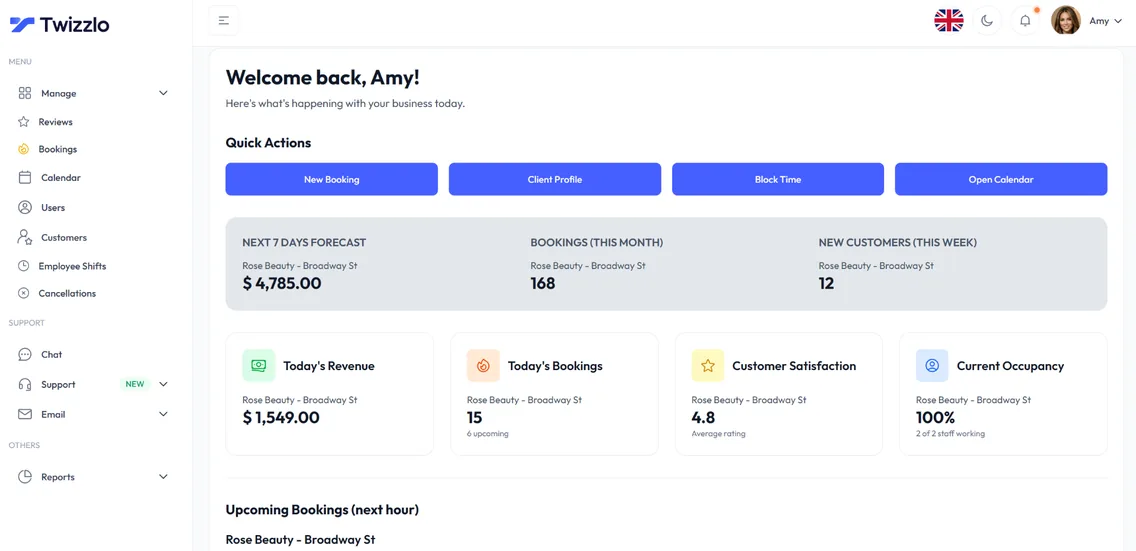
Free is $0 a month for up to 150 bookings, with no SMS; it is free forever, not a trial. Business Pro is $29.99 a month per business, with unlimited bookings, 50 SMS a month then $0.03 each, and a 30-day money-back guarantee. Both plans include unlimited staff and locations. Support is available 24/7. You can compare the two plans on the pricing page.
Online payments carry your Stripe processing rate plus a 1.5% Twizzlo platform fee.
The Free plan is enough to put a booking link on your next print run. Salon owners can see the salon setup on the salon appointment software page, and the full list of booking and reminder features is on one page.
Frequently Asked Questions About QR Code Business Cards
Should a QR business card link to my homepage or booking page
For most appointment businesses, the booking page is better. It creates a direct next step and reduces drop-off after the scan.
Are QR code business cards good for mobile service businesses
Yes. Mobile groomers, massage therapists and freelance beauty professionals can use them to send people straight to service menus, availability or inquiry forms.
Do QR business cards need to be accessible
Yes. UserWay’s guide to QR codes and business card accessibility notes that QR design and placement should consider visual contrast and readability, avoiding colors or patterns that are hard to scan for people with low vision or color blindness, and that an accessible QR destination lets screen readers read your contact details aloud.
Can I put my logo inside the QR code
Yes, if the code is built and tested correctly. Set error correction to level H and print the code larger: Pageloot’s sizing guide, updated April 22, 2026, suggests at least 1 by 1 inch with a logo. Just don’t sacrifice scan reliability for branding.
What’s the best use case for personal trainers or consultants
Link to a page where someone can book an intro session, consultation or discovery call immediately. That’s usually more effective than sending them to a general website.
How do I create a QR code for my business card
Decide the destination first: booking page, contact card, service page or inquiry form. Then generate the code with a QR tool, choosing dynamic if you ever want to change the destination or see scan data. Add a plain call to action next to it, such as “Scan to book,” and test the full path on several phones before sending anything to the printer.
Should I use a static or dynamic QR code on my business card
Dynamic for most appointment businesses. The printed code stays the same while you change the destination behind it, which protects you when you switch booking providers, update staff pages or run seasonal offers. Static only makes sense when the destination will never change and you don’t care about tracking scans.
Where should the QR code go on a business card
The back of the card is usually the safest spot: the code gets the most space, the least visual competition and room for its quiet zone. If you place it on the front, keep your name, title and primary contact details clearly readable so the code doesn’t overpower the card’s identity.
What size should a QR code be on a business card
At least 0.8 by 0.8 inches (2 by 2 cm) for reliable scanning, and never smaller than 0.6 inches (1.5 cm), according to Pageloot’s sizing guide for business cards, updated April 22, 2026. Leave a blank margin four modules wide around the code, and print it larger if a logo covers part of it or it holds a full contact card.
Can a QR code on a business card save my contact details
Yes. A contact-card (vCard) code stores your name, phone number, email and other fields in the pattern, and a phone that scans it can add you as a contact. Because every field sits in the pattern, the code is static and gets denser with each field; a link to a booking or profile page keeps the code smaller and lets you change the details later.
Do QR codes on business cards expire
A static code does not expire, because the link is stored in the pattern itself. A dynamic code works only while the service that runs its redirect keeps it active, so before you print, check what the provider does with your codes if you cancel or a free trial ends.
Sources and methodology
- Pageloot, Guidelines for QR Code Sizes on Business Cards (updated April 22, 2026) (opens in a new tab)Read . Supports: 0.8-inch recommended and 0.6-inch minimum sizes, the four-module quiet zone, error correction levels L 7%, M 15%, Q 25% and H 30%, a 1-inch code with a logo, vCard density and matte finishes (H2 4, Table 3, FAQs 4 and 9)
- DENSO WAVE, QRcode.com: Information capacity and versions of QR Code (opens in a new tab)Read . Supports: versions 1 (21 x 21 modules) to 40 (177 x 177 modules); more data needs more modules
- DENSO WAVE, QRcode.com: Error correction feature (opens in a new tab)Read . Supports: four error correction levels; level M (15%) most frequently selected; a higher level increases the code's size
- Brandly, How Small Can a QR Code Be on Your Card? (opens in a new tab)Read . Supports: dynamic codes can be changed, have trackable features and save reprinting cards
- UserWay, QR codes and business cards (opens in a new tab)Read . Supports: QR design should consider visual contrast and readability for people with low vision or color blindness (FAQ 3)
- Twizzlo pricing page (opens in a new tab)Read . Supports: Twizzlo plans, booking cap, SMS allowance, money-back guarantee and online payment fee
- Twizzlo features page (opens in a new tab)Read . Supports: 24/7 booking page, per-location booking link, email and SMS confirmations and reminders, client profiles, booking volume and new customers by day, week or month
From our editorial policy
- We do not publish invented quotes, studies, statistics, customer stories or product tests, and we do not imply hands-on use of a product when the research came from the vendor's public documentation.
- To report an error, email support@twizzlo.com with the subject line "Correction: [page URL]". Tell us what is wrong and, if you can, link a source.
Update history
- : Removed unsourced scan-rate and engagement statistics and a third-party video, added a destination table, print specifications, a measurement table and three FAQs, and gave Twizzlo's plan details their own section.
Start free, upgrade when you grow
Flat-rate booking software. No per-seat, per-chair or per-location fees.
- Free plan up to 150 bookings a month, not a trial
- Business Pro is $29.99 a month per business for unlimited bookings, with a 30-day money-back guarantee
- 24/7 support by email